



Browse all articles
View your call reports and dashboards
Track agent activity, campaign effectiveness and usage in the Analytics tab, and export transcripts and summaries.
Last updated:
The Reports & Dashboards section, found under the Analytics tab, gives you a real-time and historical view of your call performance. This helps you track agent activity, campaign effectiveness and overall system usage.
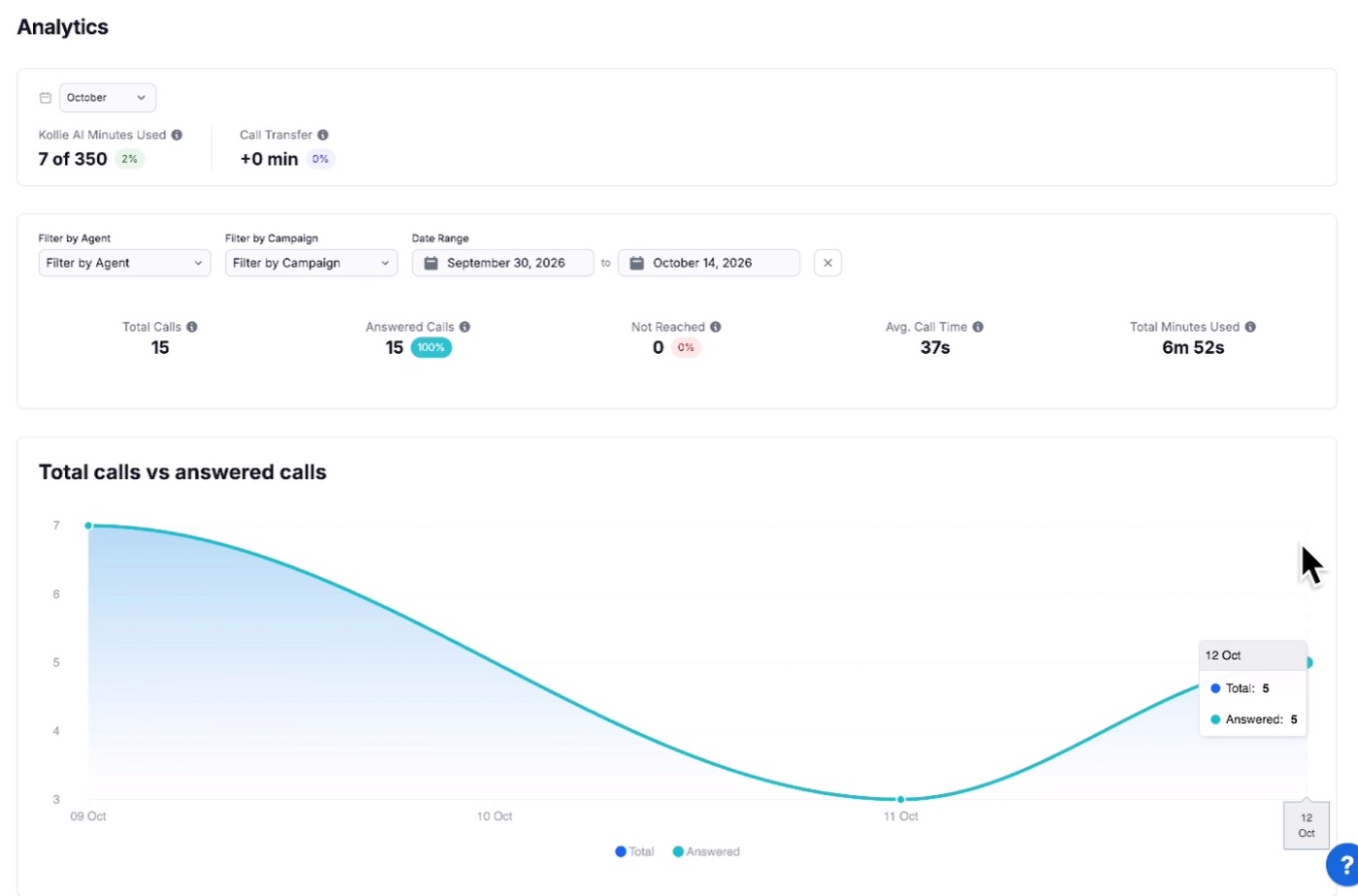
From here, you can:
- Monitor key metrics such as call duration, outcome and call quality flags.
- Review campaign performance by checking success and failure rates and trends over time.
- Export data such as transcripts and summaries in CSV format for deeper offline analysis or reporting.
- Visualize trends with charts showing call volume, sentiment distribution and response patterns.
Use the filters at the top of the Analytics tab to narrow results by date range, campaign or agent, so you can focus on the exact data you need.
See also Keep track of your minutes and usage and Where to find transcripts, recordings and summaries.
Related articles
- How to build your AI phone agentHow to build an AI phone agent in the Kollie web app: what to write in each field, where to write it, and what to leave out.
- Start from a ready-made agent templateStart from a pre-built agent template for your industry and customize it, instead of writing every field from scratch.
- Build an agent with the APITechnical reference for building Kollie agents programmatically: endpoints, config keys, skill types, build order and security.
Still need help?
Can't find the answer you're looking for? Send us a ticket and our support team will help you set up and improve your agents.
Submit a support ticket